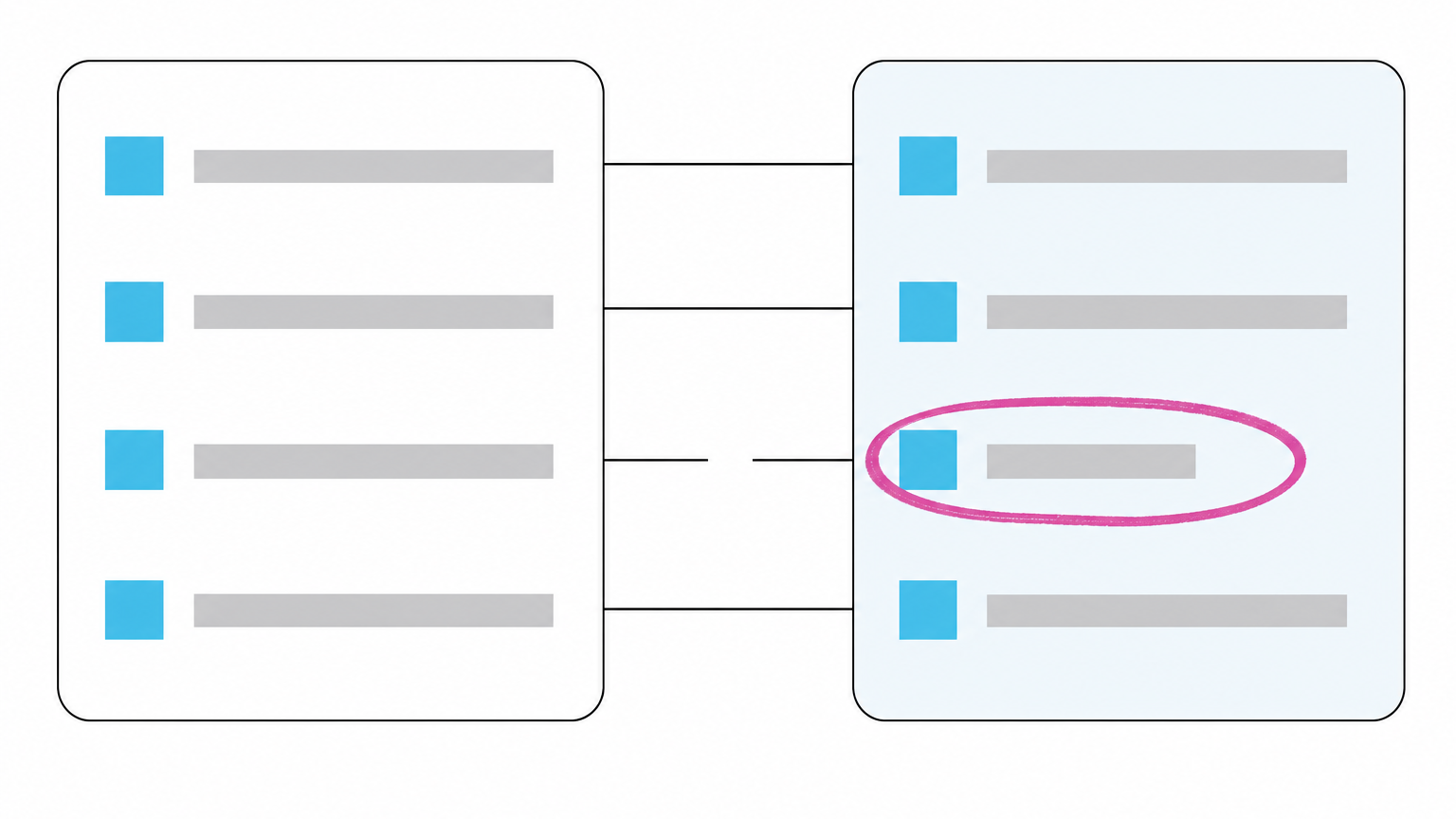
A customer or a prospect is reading a description of your business that stopped being accurate some time ago, and your company will not be told that it happened. The cause is findable. Four different conditions produce wrong information about your company, and each one takes a different fix.
What an out-of-date AI answer costs you before anyone tells you
The person reading a stale description of your company is the one deciding whether to contact you. They ask a question, get an answer that names your business and sounds informed, and form a picture of what you sell and to whom. Nothing in that exchange says the picture is old.
A customer arrives expecting to buy the product you discontinued, or to receive the terms you changed. The assistant answers from stored knowledge, or repeats what it read from a page that has since changed. A customer alerts you, or a prospect asks a question that assumes something outdated, and only then does anyone check.
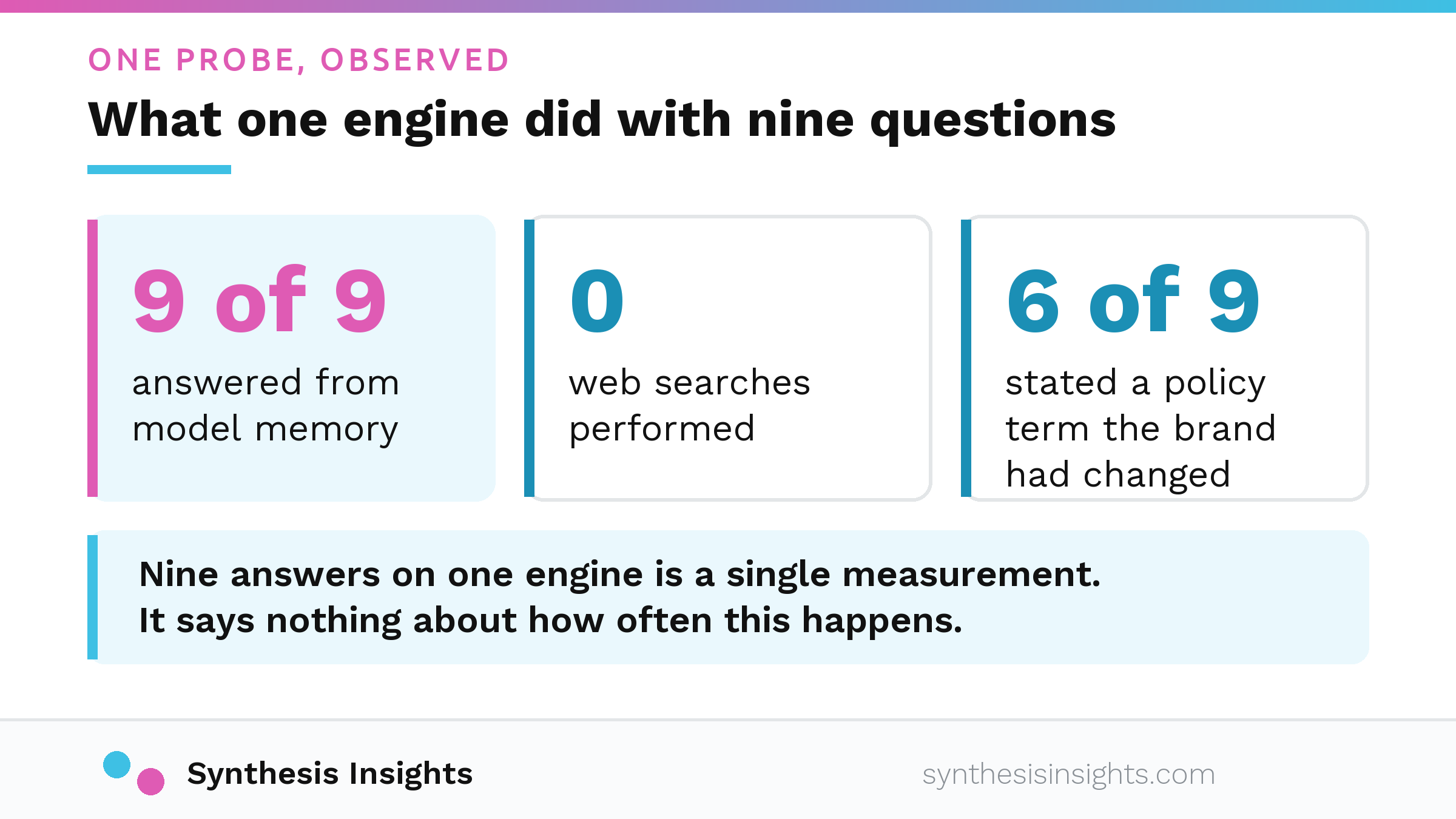
In a recent in-house probe, one major assistant answered all nine of nine consumer questions about a brand from model memory, with zero web searches performed. Model memory is the knowledge the assistant already stores from training, frozen at the point its training data ended. In six of those nine answers it stated a policy term the brand had changed years earlier. Two other engines in the same probe searched the live web and got it right in most of their answers. That is one probe. Nine answers on one engine is a single measurement; it says nothing about how often this happens.
There is nowhere to report the wrong answer, and the correction must happen upstream, in the sources an assistant reads.
Why ChatGPT has wrong information about your company: which of the four causes you have
From the outside, the four conditions look identical. An assistant says something wrong about your company with the same confidence as a correct answer. Causes and fixes differ, and an assistant can carry outdated information about your business for any of them. Start with the memory-or-search check in the next section; it separates the first cause from the other three. After that, use the marker inside each remaining description to pick the one that matches what you saw.
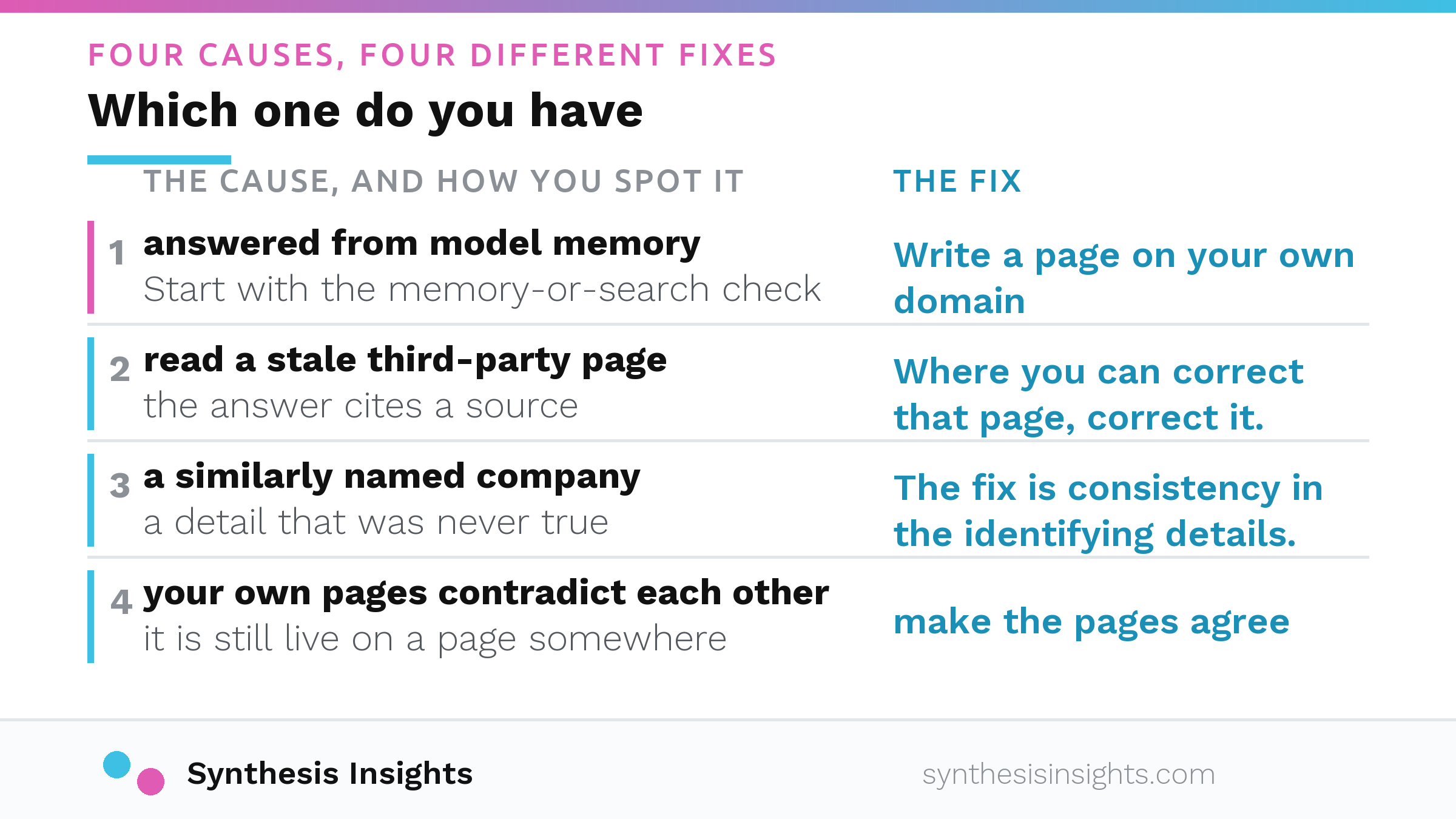
The assistant answered from model memory and never searched
The assistant answered without reading your website. Its answer reflects what it held when training ended.
A retraining is not something a company can trigger from the outside, so waiting for the model to update itself is not a plan. Write a page on your own domain that answers that exact customer question in the customer’s own words, with the current fact in its first sentence.
On timing, the mechanism is the part anyone can state. An assistant that searches the live web can reflect a corrected page as soon as it reads it. Model memory updates on no published schedule.
It searched, and read a live third-party page that is itself out of date
An assistant ran a search and read a stale third-party page: an old directory listing, a years-old writeup, a reseller page describing a product line that changed. The assistant believed it because the source looked reasonable, and it was not yours. You have this one if the answer cites a source, and opening that cited page shows it carrying the wrong claim.
Where you can correct that page, correct it. Ask the directory to update the listing or the partner to rewrite the description. Where you cannot, publish a page of your own that is more specific and more current than the stale one.
Reachability matters as much as accuracy. OpenAI documents a crawler called OAI-SearchBot, which it describes as used to surface websites in search results in ChatGPT’s search features, and the detail is in OpenAI’s crawler documentation. A corrected page does nothing if that crawler cannot fetch it, so if you are not certain it reaches your pages, check which AI bots can access your website. A site rebuild can break reachability without the marketing side noticing, a problem covered in whether a website redesign hurt your AI visibility.
It merged you with a similarly named company
Entity confusion is what happens when an assistant joins facts about a different company with a similar name into the answer about yours. If your own pages do not make the distinction obvious, the assistant has little reason to keep the two apart. You have this one if the answer contains a detail that was never true of your company at any point in its history.
The fix is consistency in the identifying details. Use the full legal name in the footer, on the About page and in the page title. State what the company does and where it operates in the first sentence of the homepage, then repeat that description in the same words across your site, your directory listings and your business profiles.
Your own pages disagree with each other
The homepage says one thing, a product page says another, a post from three years ago says a third, and the assistant quoted the oldest one. Nothing external is involved. The contradiction sits entirely on pages you control. You have this one if you search your own site for the outdated claim and it is still live on a page somewhere.
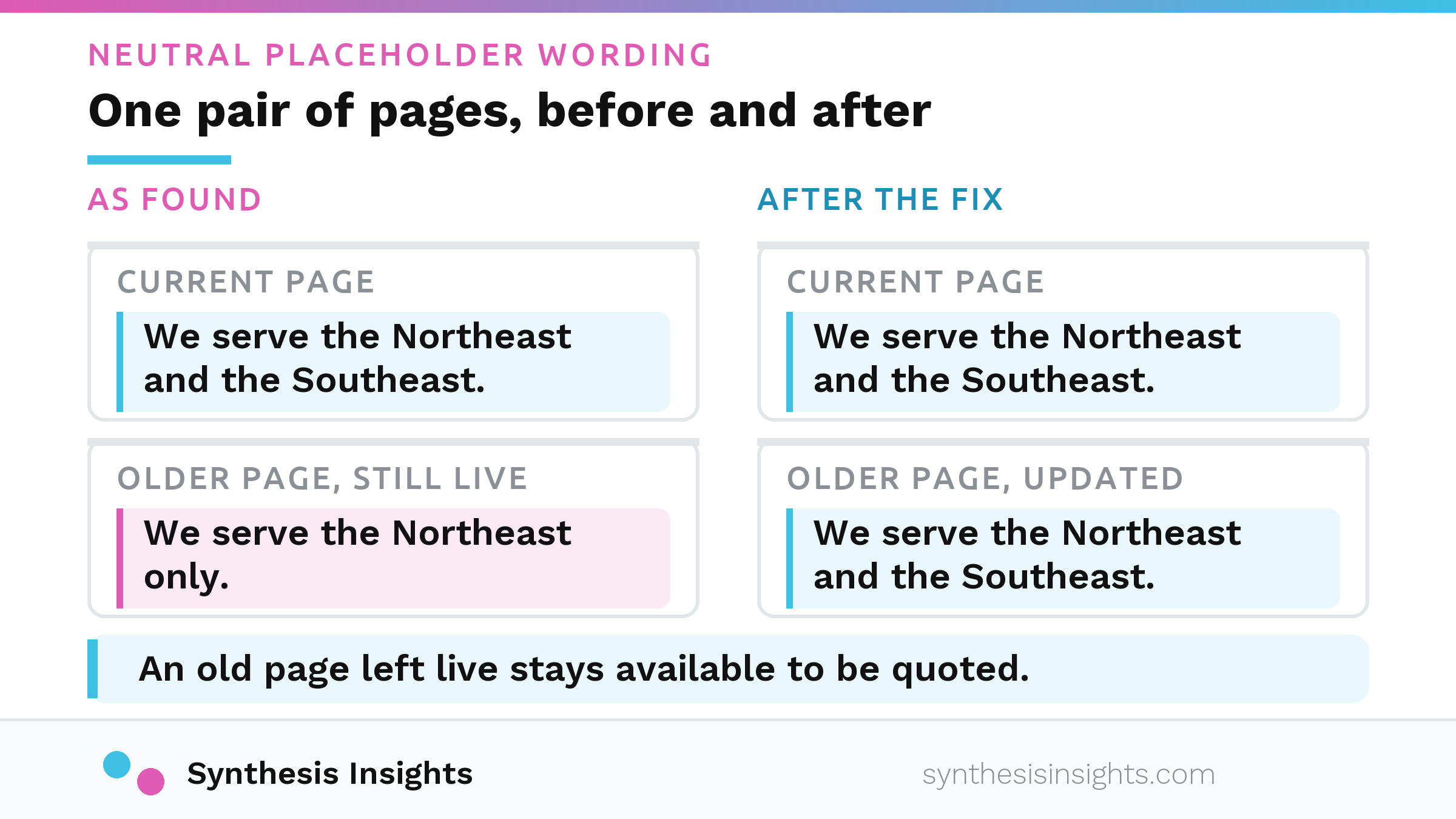
That makes this the fastest of the four to fix. Find the contradiction and make the pages agree: the same product names, the same claims, the same policy language, the same geography. If a page describes something you no longer offer, update it or take it down. An old page left live stays available to be quoted.
Is it answering from memory or checking the live web? Run this check
You can run this in a few minutes with nothing beyond the assistant and your own website.
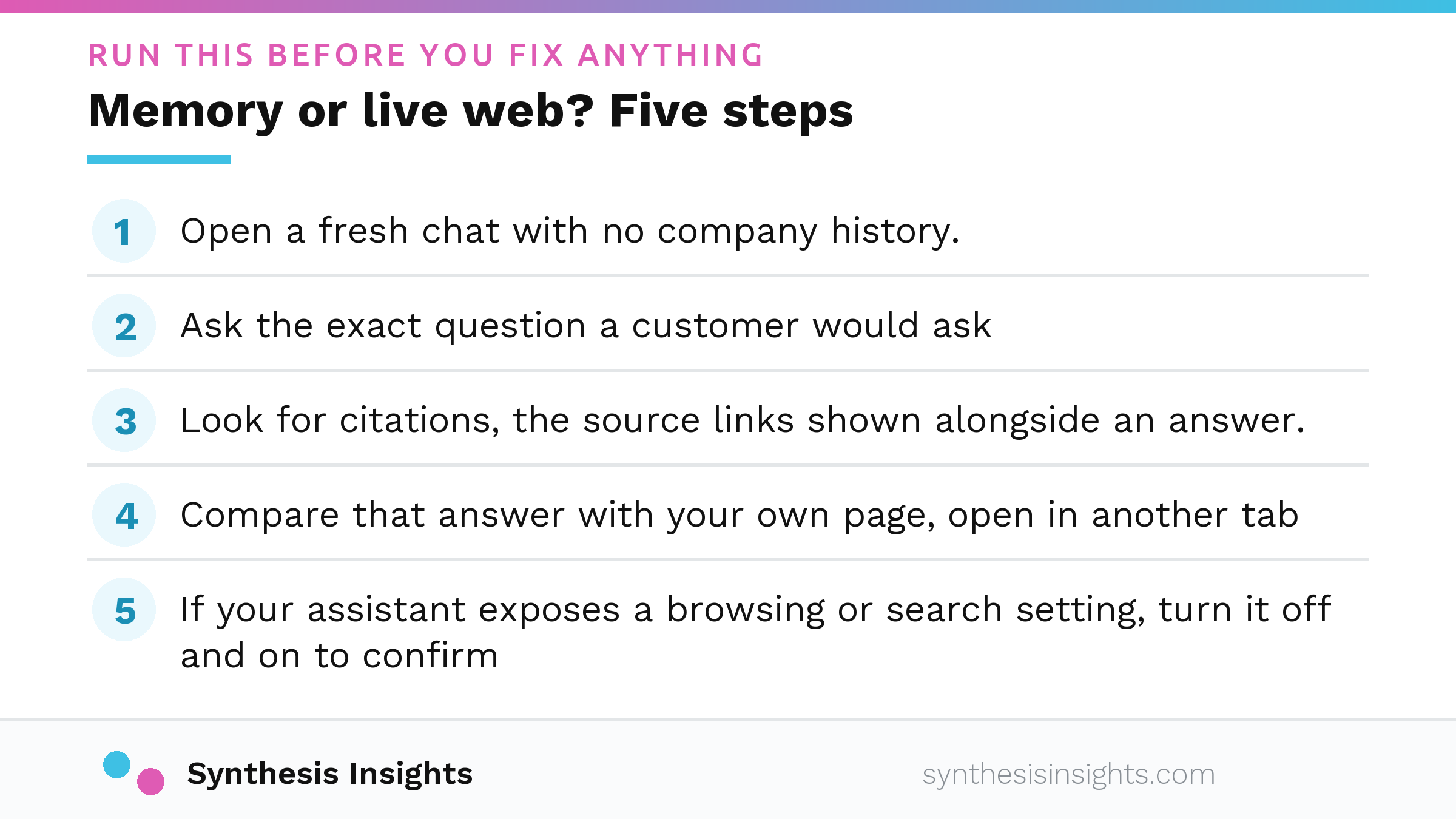
- Open a fresh chat with no company history. A conversation that mentions your business gives the assistant context you did not intend.
- Ask the exact question a customer would ask about the wrong fact, without hinting it is wrong.
- Look for citations, the source links shown alongside an answer. They signal that the assistant performed a live search. An answer without citations can also come from a search that found nothing usable, and both cases point to the same work: giving the assistant a page worth finding.
- Compare that answer with your own page, open in another tab, and note each point where they disagree.
- If your assistant exposes a browsing or search setting, turn it off and on to confirm what the citations and comparison already showed. If your assistant has no such setting, you have already run the check.
Next steps depend on what you saw. If the assistant did not search, updating your site changes nothing until it does, and the work goes into sources it would read when it starts. If it searched and the answer is still wrong, find which source it believed. At that point you are looking for a stale third-party page or a name collision. Why the source line can point to someone else’s page instead of yours is a subject which sources ChatGPT cites about your company covers in full.
Who is responsible when the assistant gets it wrong
In 2024 the British Columbia Civil Resolution Tribunal decided Moffatt v. Air Canada. The airline’s website chatbot told a customer he could apply for a bereavement fare after he had already travelled, while the airline’s actual policy, stated elsewhere on its own website, did not allow that.
Air Canada argued that the chatbot was a separate legal entity responsible for its own words. The tribunal rejected the argument and found negligent misrepresentation, which means giving false information that a reasonable person relies on, without any need to prove an intent to deceive. As the tribunal put it at paragraph 27, reproduced in Bristows’ write-up of Moffatt v. Air Canada:
"It should be obvious to Air Canada that it is responsible for all the information on its website. It makes no difference whether the information comes from a static page or a chatbot."
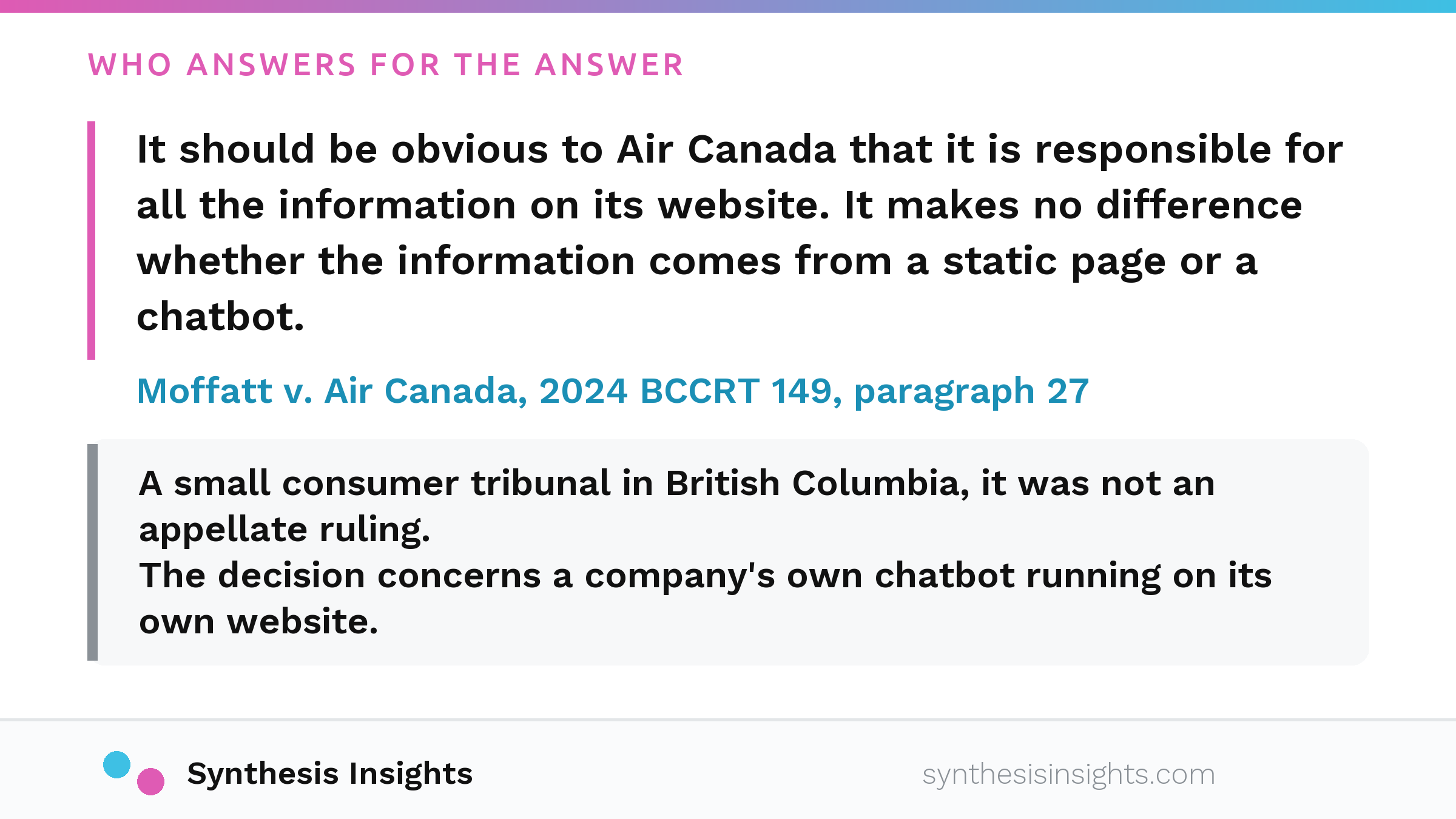
Two limits keep this in proportion. The forum was a small consumer tribunal in British Columbia; it was not an appellate ruling. The law applied was Canadian. The reasoning is what carries: a company answers for what its own automated system tells a customer, and the idea that the system is a separate thing speaking for itself did not hold. The decision concerns a company’s own chatbot running on its own website and does not speak to what an outside assistant says about a company. A customer who acted on a wrong answer arrives expecting the terms they were given, whatever produced those terms, and that conversation lands on your desk either way.
What if the answer is right but incomplete
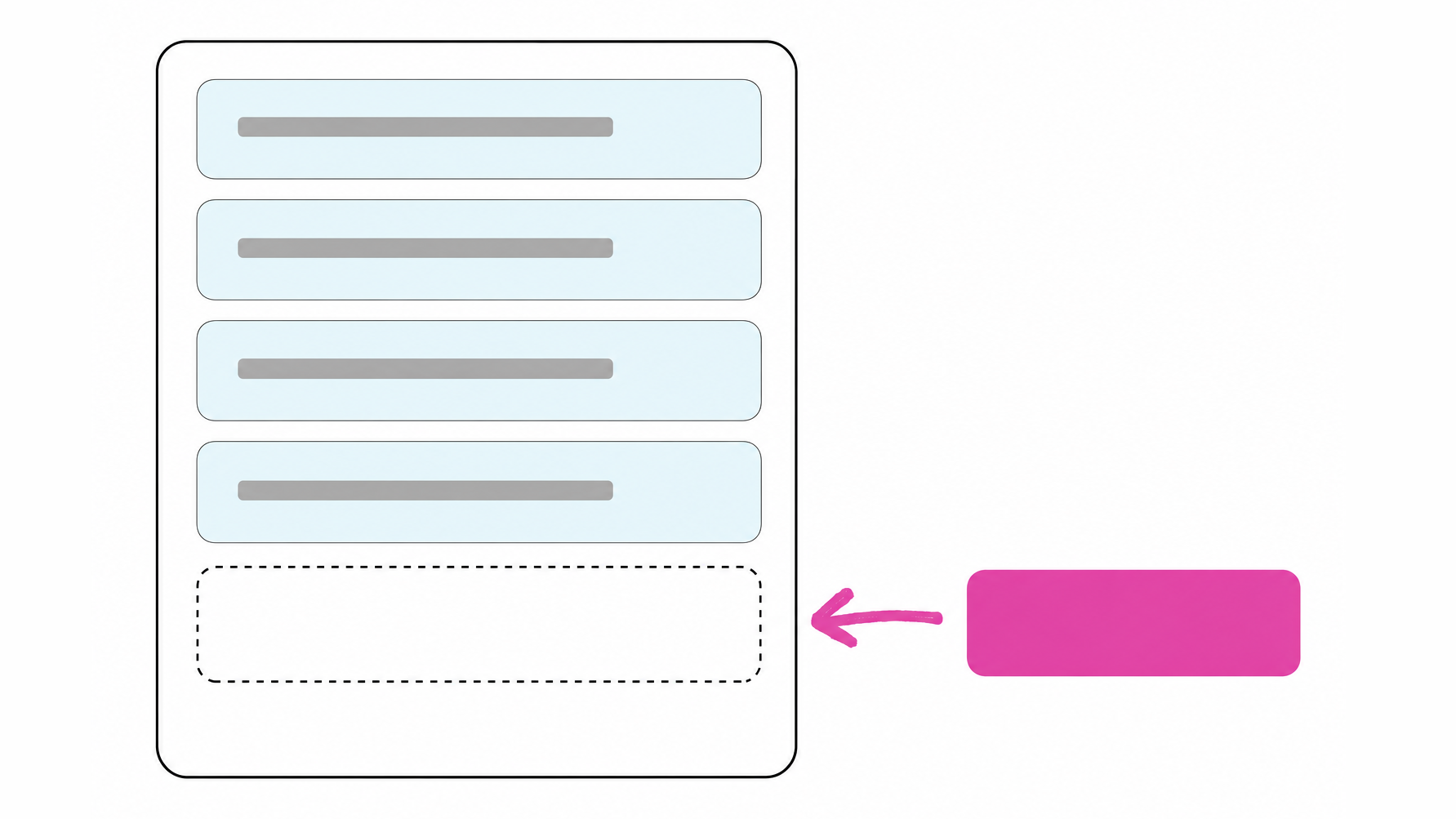
The answer names the company correctly and describes the current product correctly. It then leaves out the thing the company actually wins on. This failure is one of omission, not accuracy. Nothing in it is false, so there is nothing for a customer to flag, and the omission passes unnoticed while a buyer reads a complete-looking answer and decides.
The answer has a name, a category, a location and a product description, enough to look finished. It lacks the specific thing that would make your company the obvious choice: the capability, the constraint you remove, the detail a competitor cannot match. An assistant cannot include what it did not find. Publish that claim in plain language on a page an assistant can read, in the same words you would use with a customer. If it only surfaces in a sales conversation, it stays invisible to an assistant and to the buyer who never has that conversation.
What this check can and cannot tell you
- One run is one snapshot, and the same question asked twice can come back with two different answers, so treat a single result as a signal to re-check; the measurement side is covered in our work on the share of AI answers.
- There is no published schedule for when model memory updates, and no credible source gives a verified number for it.
- There is no correction portal, and no provider offers a channel for fixing a fact about a company inside an assistant’s answers. The correction happens upstream, in the sources an assistant reads or retrieves.
- The memory-or-search check tells you whether the assistant searched. It does not tell you which source it believed. That requires a separate check: reading the pages an assistant cites and comparing them.
Where to start, and what to check first
Make one change today. Write the single sentence you want an assistant to repeat about your company, and compare it with what your homepage, About page, and directory listings say. Where they disagree, change the page. That work is in your control, and it helps whichever of the four causes you have. If you haven’t yet checked whether assistants name your company, the 10-minute AI visibility check answers that directly.
If you would rather have the checking and the correction handled for you, our AI Visibility Audit is built for that.
FAQ
Why does ChatGPT have wrong information about my company?
An assistant may give an incorrect description of your company for one of four reasons: it answered from model memory without searching; it read a stale third-party page; it merged facts about a similarly named company; or your own pages contradict each other and it quoted the wrong version. The fix depends on which cause is at play.
How do I correct what ChatGPT says about my business?
Look for citation links; their presence shows the assistant searched the live web. If your assistant has a browsing or search setting, turning it off and on confirms what you saw. If it searched, correct the source page it read or publish a stronger page yourself. If it answered from memory, publish the correct version clearly on your site and make it easy to find.
How long does it take for ChatGPT to update information about a company?
There is no published schedule for model memory updates and no verified timeline. An assistant that searches the live web can reflect a corrected page as soon as it reads it. The part you can influence is the sources the assistant reads.
Can I contact OpenAI to fix it?
There is no form to fill in. No provider offers a way to correct a fact about a company inside an assistant’s answers. The fix happens upstream, in the pages an assistant reads or retrieves. Correcting your own site and third-party pages about you is the work that matters.
How can I know if AI assistants recommend my brand for the right reasons?
Ask the assistant the question a buyer would ask, then examine the reasons it gives: the capability it names, the category it puts you in, the details. If those match what you would tell a customer, the assistant is recommending you for the right reasons. If the answer is accurate but thin, look for the claim you have not published anywhere an assistant can read.