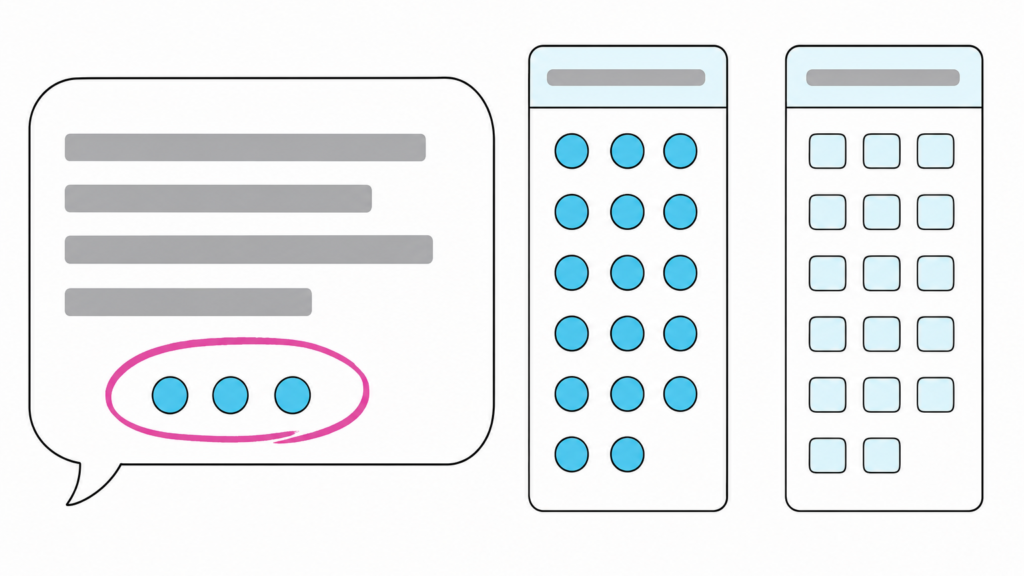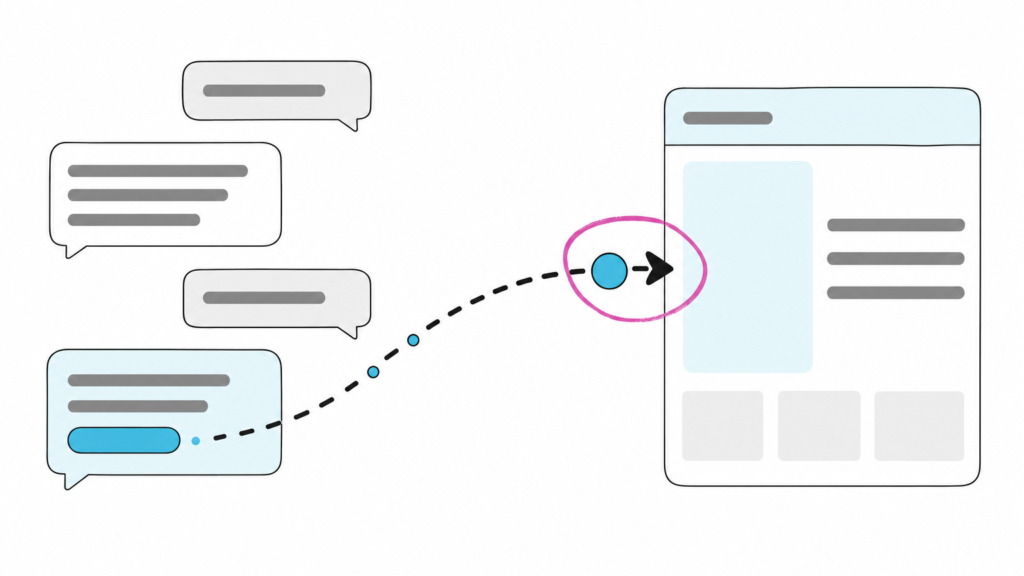
A website redesign can preserve every Google ranking your business relies on and still stop AI assistants from reading your pages. Pages an AI assistant cannot read are pages it cannot name when a buyer asks it to shortlist vendors in your category. AI visibility is whether AI assistants can read your pages and name your business when a buyer asks questions your business should answer. No dashboard alerts you to the drop, but you can diagnose it in about 20 minutes without hiring anyone, and it usually traces to one of three common regressions.
Why a redesign can tank your AI visibility while your Google rankings look fine
A clean Google ranking tells you that Google’s rendering step ran. It tells you nothing about any other system. Google queues pages for crawling and rendering as two separate steps. The rendering step happens later, inside a headless Chromium browser that executes the JavaScript, and Google indexes the resulting rendered HTML. In Google’s own documentation, a page can sit in that render queue "for a few seconds, but it can take longer than that." Google built that separate, resource-costly rendering step specifically to run JavaScript. A ranking is evidence that the step completed. It is not evidence about what any other crawler sees.
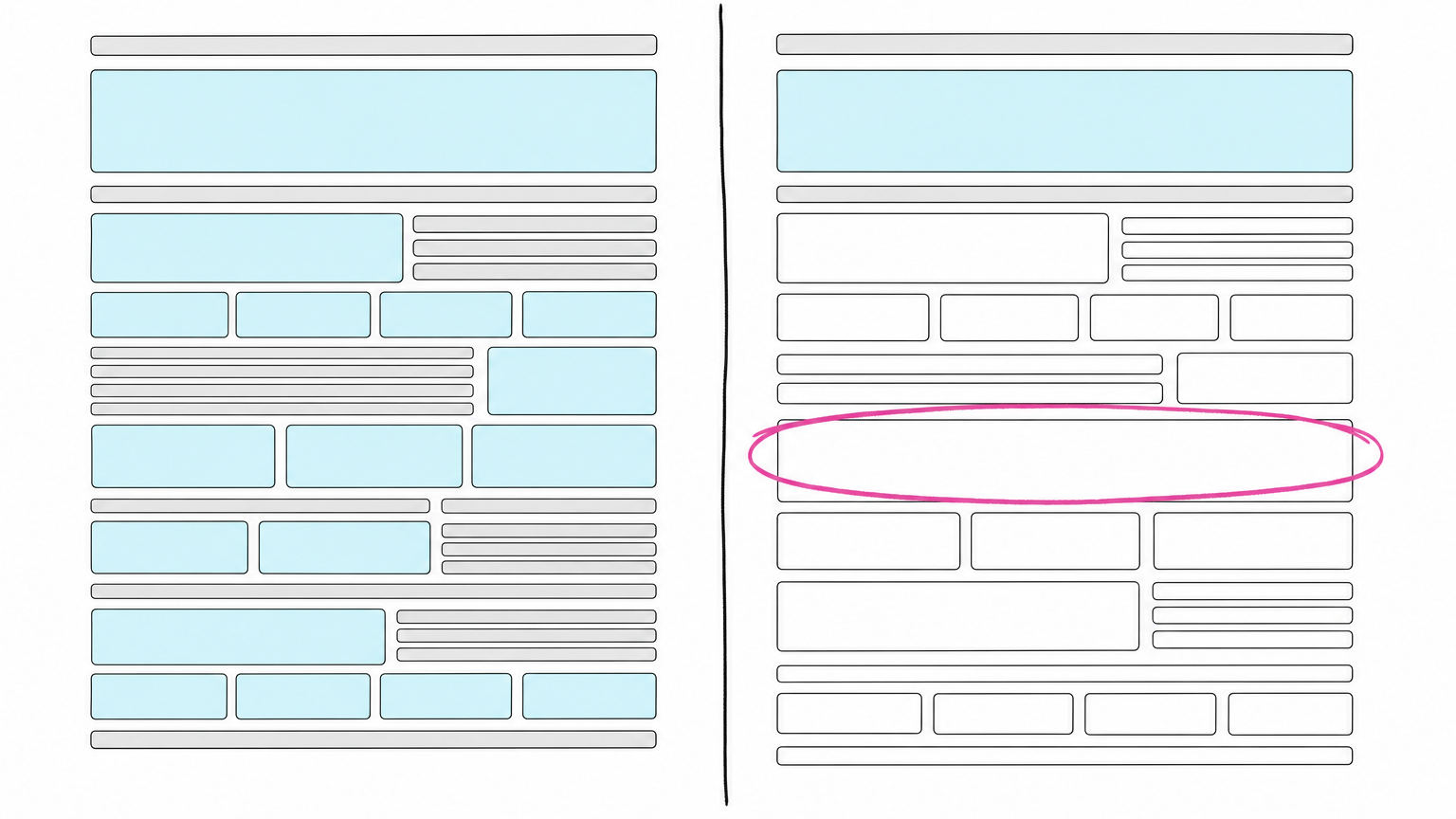
The gap between a rendered page and the raw HTML that arrives first is where AI visibility gets lost. In one internal probe, a brand’s most important page carried two of its key facts in the raw HTML before its rebuild and did not carry them in the raw HTML after. The new site also returned an HTTP 403 to a plain, non-browser fetch. Nobody had measured that brand’s AI visibility before the rebuild launched, so the before state had to be reconstructed after the fact.
What a non-rendering crawler actually sees on your new site
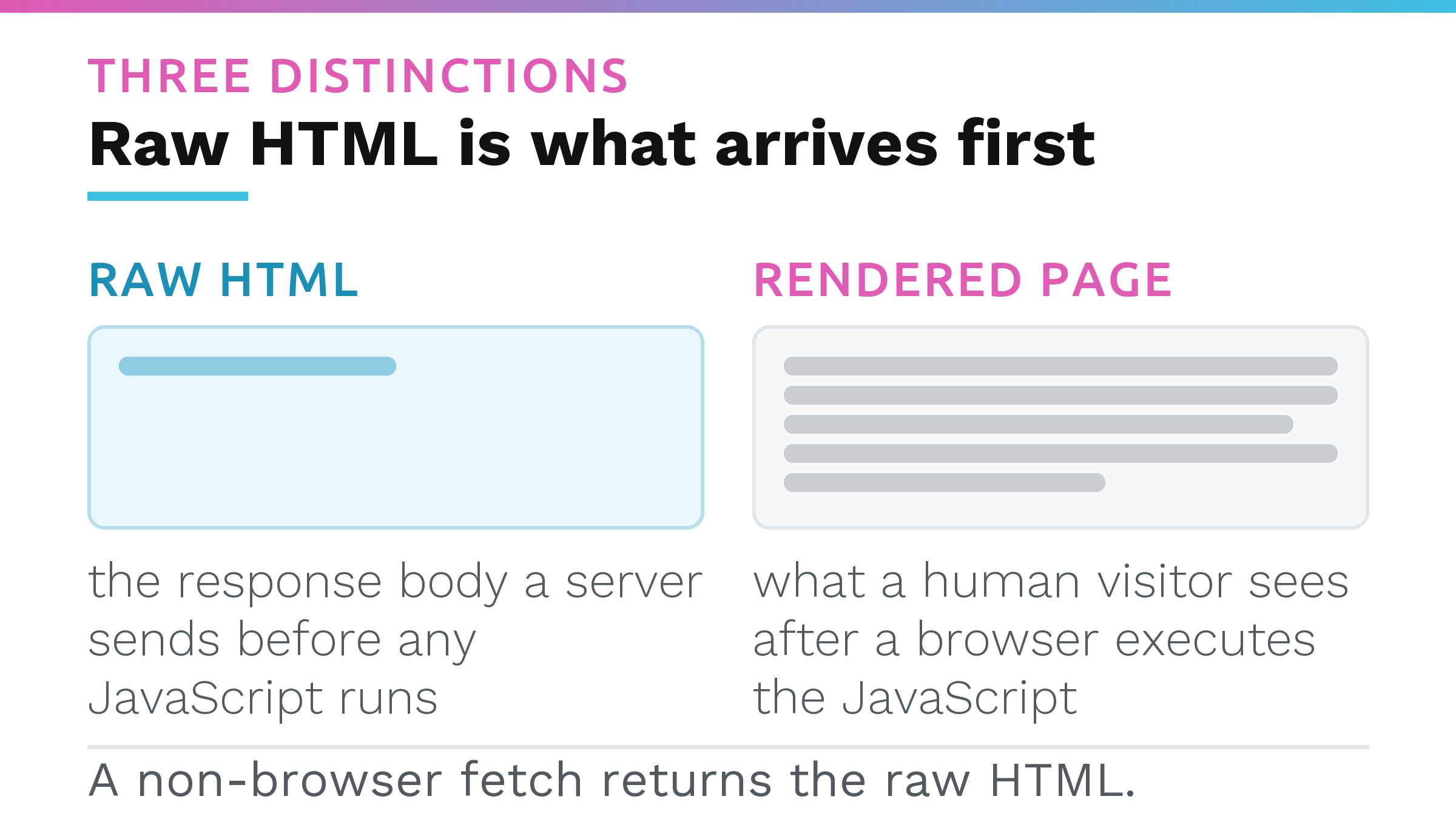
To understand the problem, you need three distinctions.
Raw HTML is the response body a server sends before any JavaScript runs. Rendered page is what a human visitor sees after a browser executes the JavaScript. Non-browser fetch is a request sent without a browser’s JavaScript engine or full header set.
OpenAI, for example, documents four separate crawlers with four different jobs. OAI-SearchBot is "used to surface websites in search results in ChatGPT’s search features." GPTBot is the one for training foundation models. OAI-AdsBot validates pages submitted as ads on ChatGPT, and ChatGPT-User handles "certain user actions in ChatGPT and Custom GPTs." OpenAI’s documentation covers robots.txt control for each bot individually.
A team that told their client "we allowed the AI crawlers" during the rebuild, and did that by whitelisting GPTBot, may not have solved this problem at all. The bot that determines whether ChatGPT can surface your pages in search is OAI-SearchBot, not GPTBot. Allowing the training crawler tells you nothing about whether the crawler behind ChatGPT’s search features is allowed, so the permission the team believes it granted may not cover the bot that matters.
As of Vercel’s December 2024 analysis of AI crawler traffic across its own network, none of the major AI crawlers rendered JavaScript, including OpenAI’s, Anthropic’s and Perplexity’s. Vercel sells hosting, and the finding is dated, so it is the best available evidence rather than a guarantee about every crawler today. On that analysis, a page delivering core facts only after JavaScript runs appears empty to those crawlers, so a site can look perfect in a browser, rank on Google, and still be unreadable to the assistants your buyers use.
The three regressions a redesign ships without anyone noticing
A rebuild can introduce any of three problems, often without the marketing team or the developer noticing.
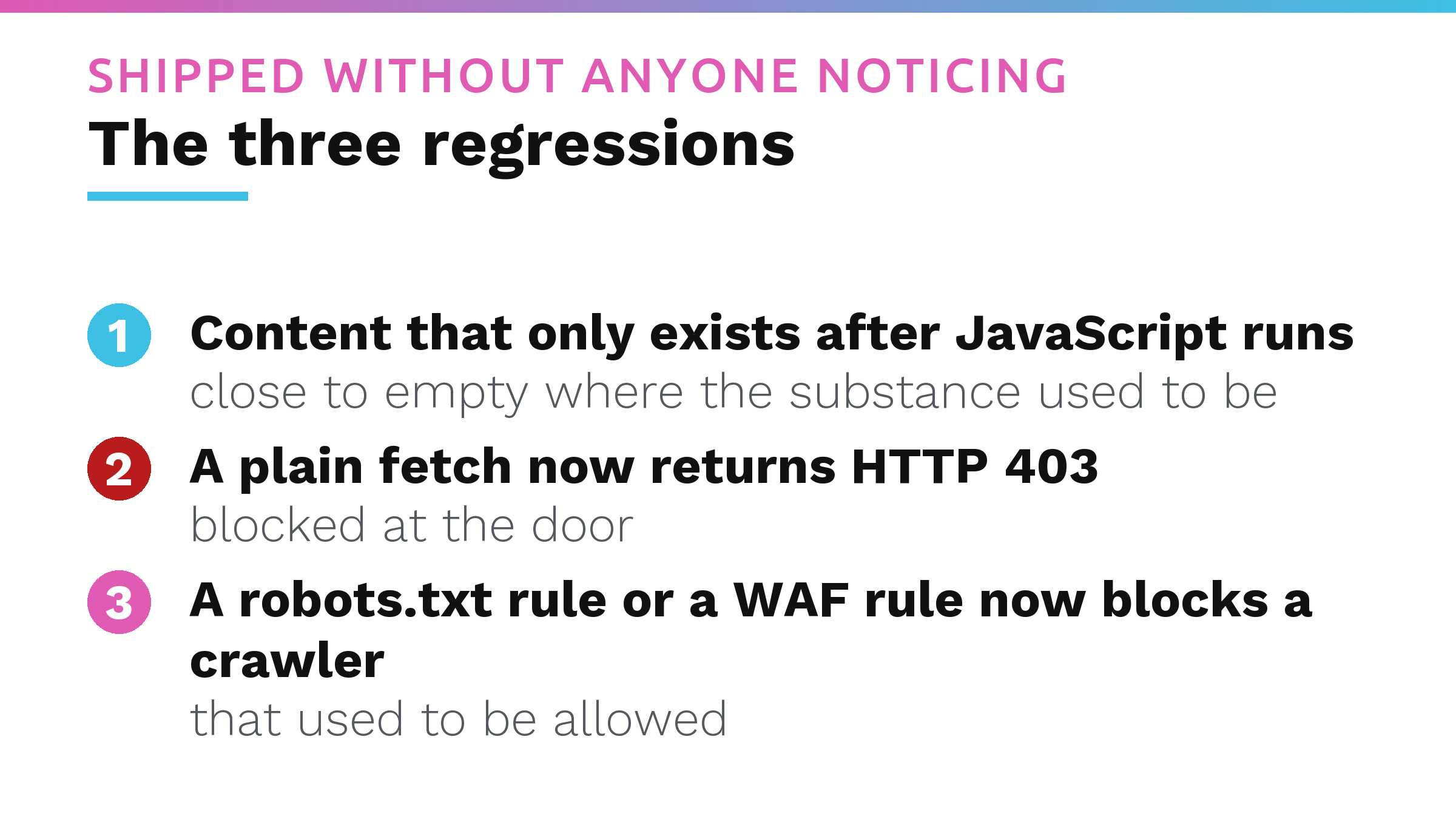
Content that only exists after JavaScript runs
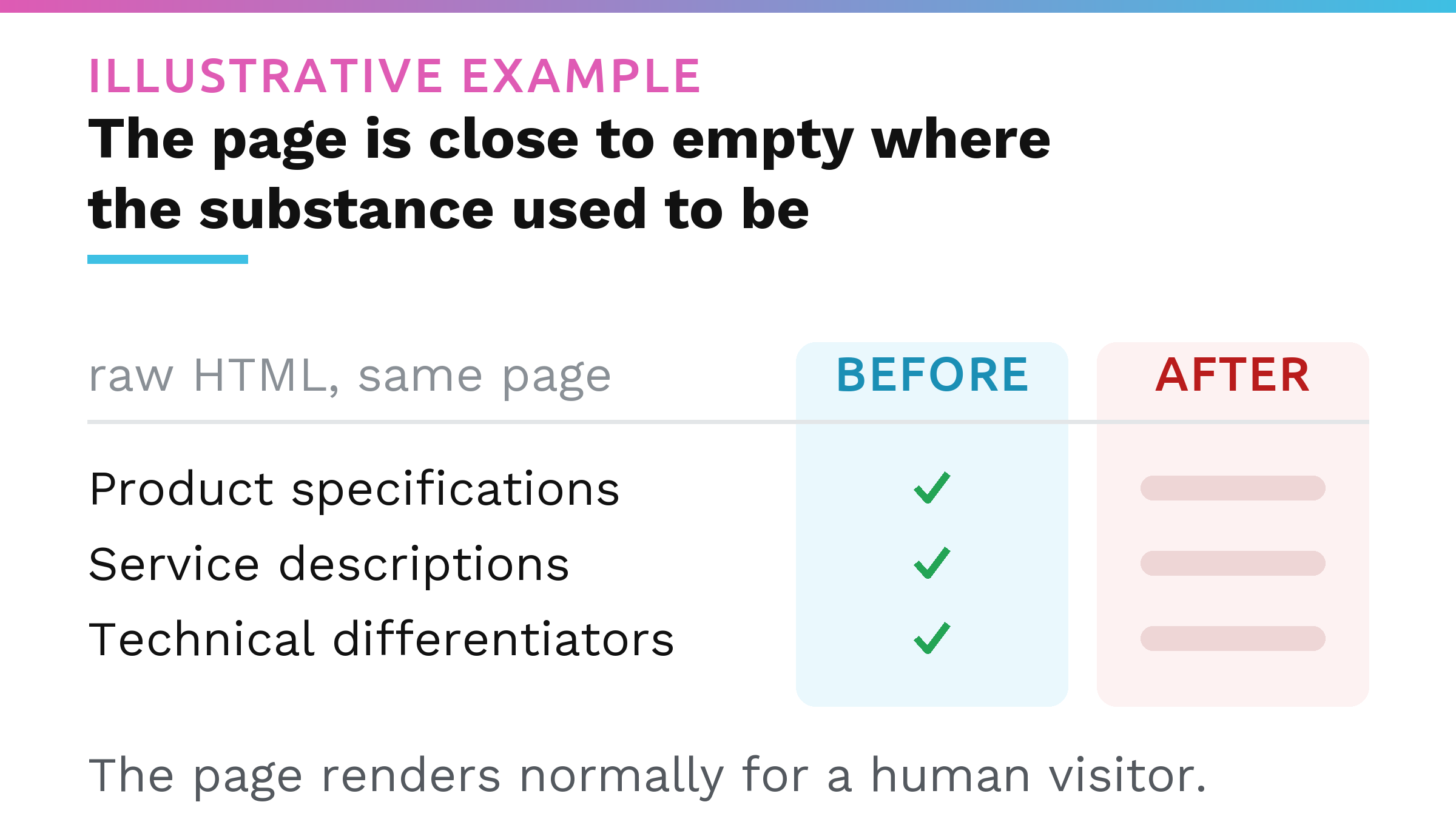
The old site embedded the facts a buyer needs directly in the HTML the server sent. The new site assembles those same facts in the browser using JavaScript. To a crawler like the ones in that December 2024 analysis, the page is close to empty where the substance used to be. The page renders normally for a human visitor. Google’s rendering step runs later and indexes the rendered HTML, so the Google result can look unchanged.
A plain fetch now returns HTTP 403
A new hosting stack can ship with bot-protection or a Web Application Firewall, or WAF, layer turned on by default. That infrastructure, a CDN or a firewall, can reject a request before it ever reaches the site’s own code or its robots.txt is read. The result is an HTTP 403 or a similar refusal on a plain, non-browser fetch. The crawler never gets far enough to care about JavaScript because it is blocked at the door. If you want to check which AI bots can access your website, a plain fetch test will surface this quickly.
A robots.txt rule or a WAF rule now blocks a crawler that used to be allowed
Robots.txt directives are set per bot. Allowing one company’s crawler is not the same as allowing all of them. A rebuilt robots.txt rarely reproduces the old one line for line, and a new WAF configuration can add blanket rules that catch AI crawler user agents the team never considered. Even if the site’s content is in the raw HTML and the server returns a 200 status, a disallow line aimed at the crawler behind a given assistant’s search features keeps your pages out of that assistant’s results. For a deeper look at how those rules get set, read about website blocking AI crawlers.
How to check which one you have, in 20 minutes
You can run this sequence without a developer.
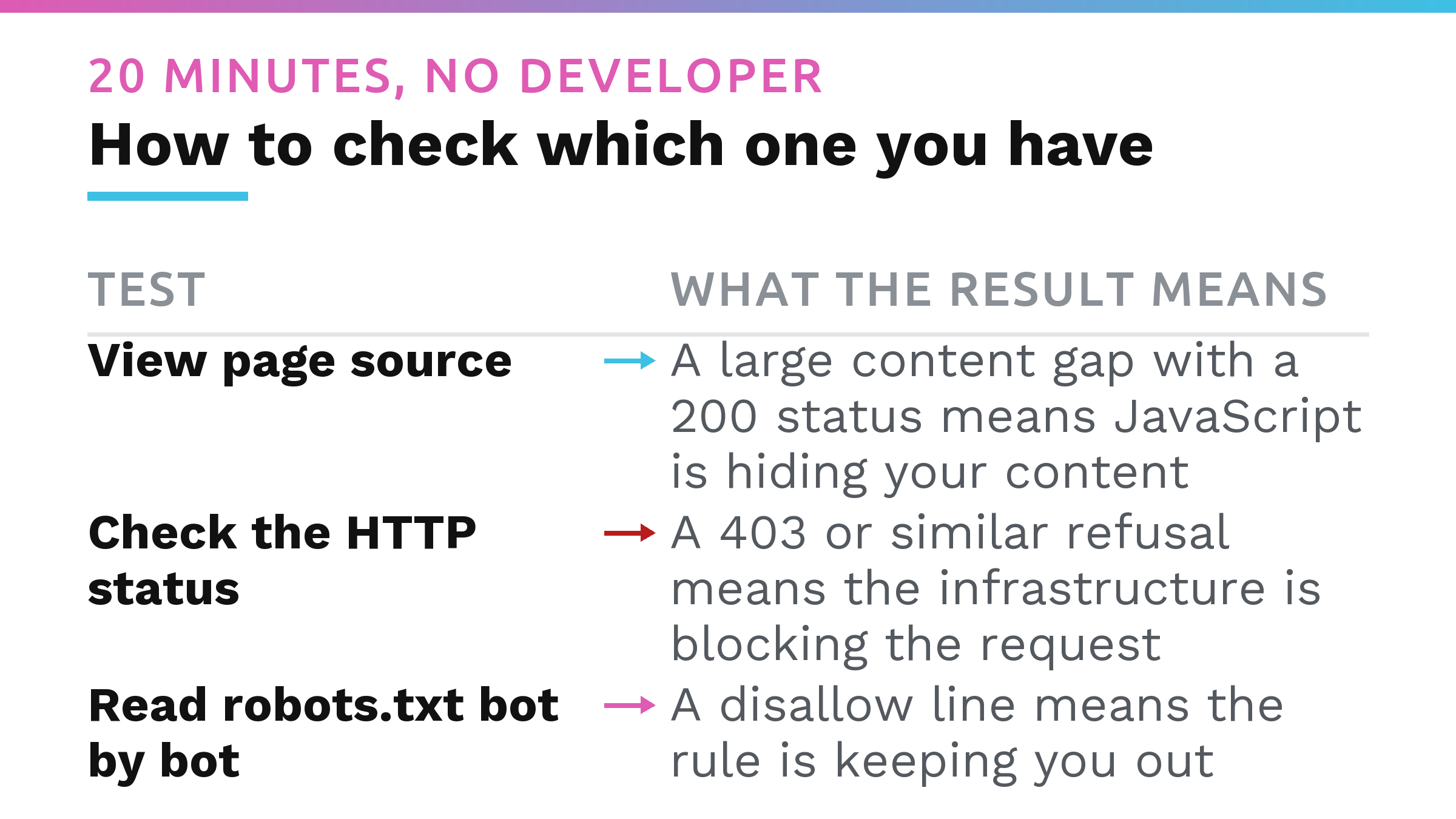
- Open your most important page in a browser and view its page source (Ctrl+U on Windows, Cmd+Option+U on a Mac). This is the HTML the server sent before JavaScript ran. The Inspect or Elements panel shows the page after JavaScript runs, so on a problem site it would display a clean result and mislead you. (A command-line HTTP client can also send a plain GET request.) Look for facts that matter to a buyer: product specifications, service descriptions, technical differentiators. Are they present in that text?
- Load the same URL in a normal browser and compare what you see against the page source from step 1. A large gap between the two, where the browser shows rich content and the page source contains little of it, points directly at the JavaScript regression.
- Use an online HTTP header checker: a site where you paste your URL and it fetches your page without a browser engine. Do not trust the browser’s Network tab. It shows the status your browser received, and bot protection often lets browsers through, so a blocking site can look fine there. If your browser gets an error page, the block is wide enough to hit people too. If you see a 403, the crawler was stopped at the network layer, never reaching your content or robots.txt. See our post on failed AI crawl attempts for what happens next.
- Open your domain followed by /robots.txt in your browser and read the rules bot by bot. A wildcard allow line can sit alongside bot-specific rules that narrow permissions. Check your rules against an AI crawler list to verify that OAI-SearchBot and equivalent crawlers you care about are not disallowed. A disallow line for the wrong user agent can cancel all the other work.
- Interpret the result. A large content gap with a 200 status means JavaScript is hiding your content. A 403 or similar refusal means the infrastructure is blocking the request. If the page source has the facts, the status is clean, and a disallow line exists, the rule is keeping you out.
You never measured a "before." Here is how to reconstruct one
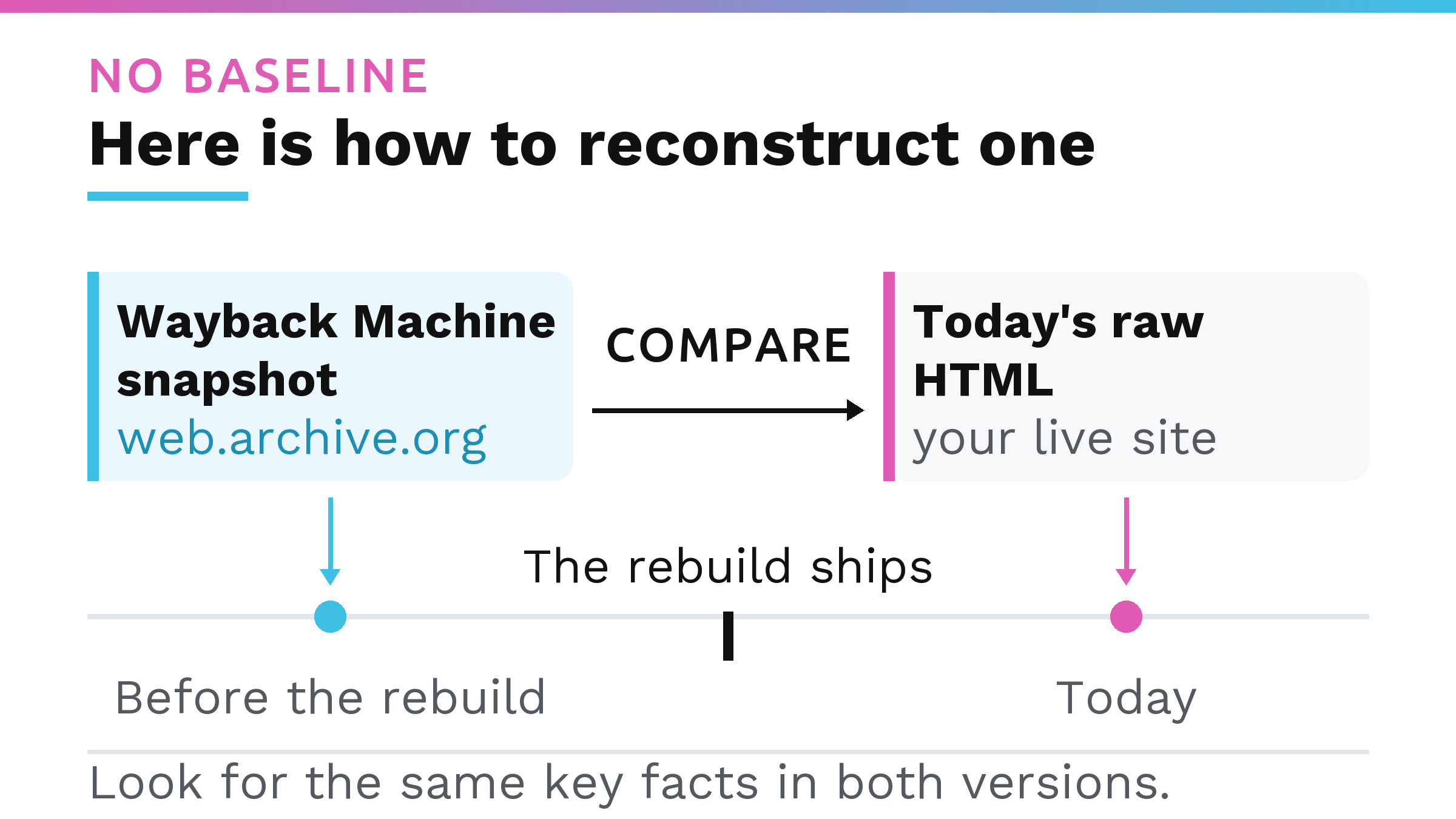
If nobody captured a baseline before the rebuild, the Wayback Machine is your best substitute. A Wayback Machine snapshot is an archived capture of a page’s HTML held at web.archive.org.
Pull a capture from a date before the redesign launched. Read the raw HTML of that snapshot and compare it against the raw HTML your live site returns today. Look for the same key facts, the ones a buyer would need to evaluate your business, in both versions. Archive crawl frequency varies from site to site, so you get the capture that sits closest to the launch date, and that is enough to spot whether whole blocks of content left the raw HTML.
What this check can and cannot tell you
This check gives you a directional reading with limited confidence. Four limits to keep in mind.
First, the finding that AI crawlers do not run JavaScript, dated December 2024, comes from a hosting vendor’s own network, and the crawler operators have not confirmed it. OpenAI’s own crawler documentation still says nothing about JavaScript execution in either direction.
Second, a Wayback Machine capture is the nearest archived snapshot available. It can confirm a structural change while missing finer details.
Third, a single 403 from a single request is one observation. Bot protection varies by IP address, by user agent and by time, so treat one result as a reason to look further.
Fourth, crawl access gives you the chance to be read, but it does not guarantee a citation. A site that is readable by an assistant may still not be recommended by it. If you want to track whether your pages appear in AI-generated answers, you need to measure share of AI answers, and crawlability alone is not enough.
What to fix first, and who owns it when the developer is a separate vendor
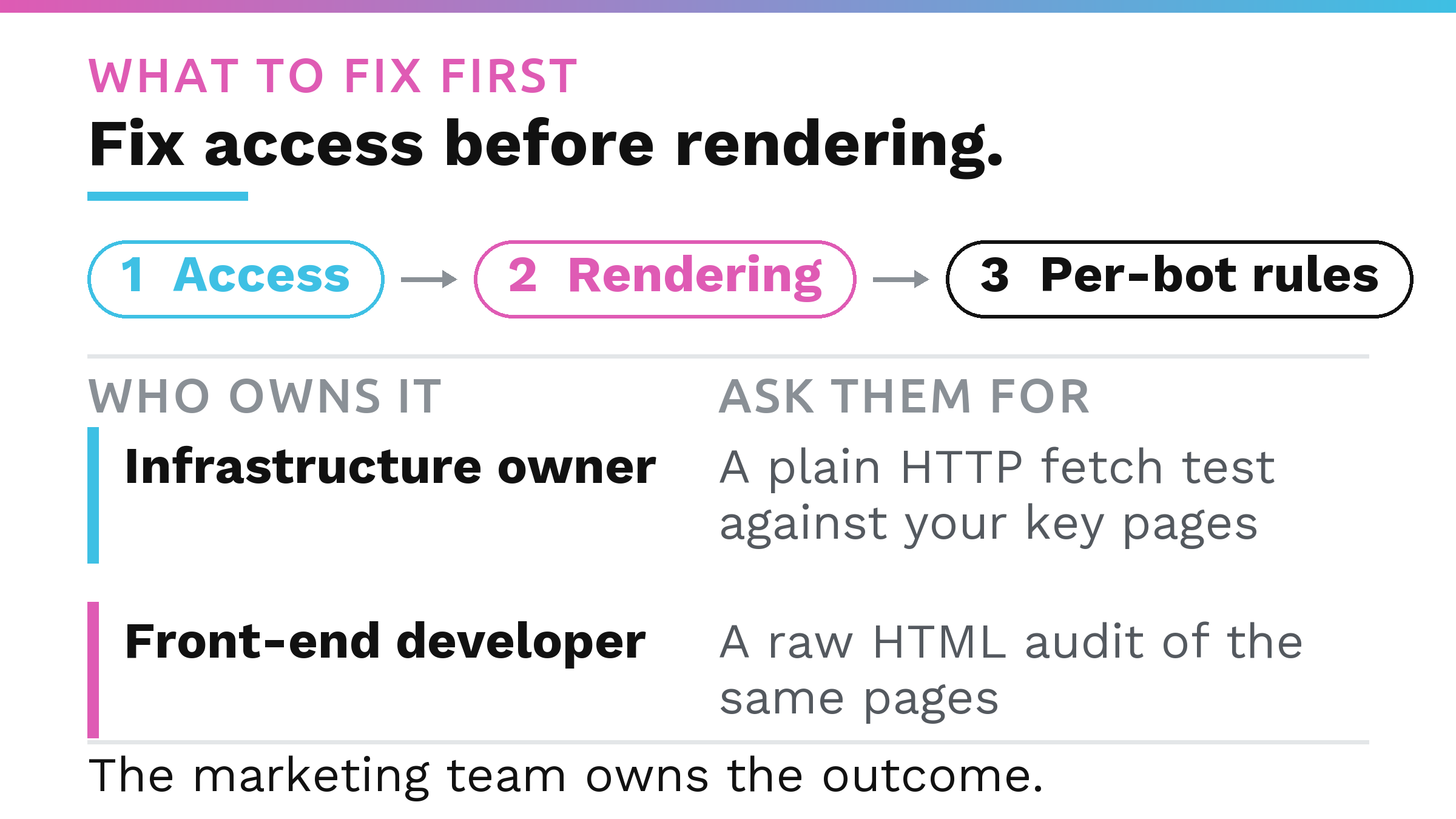
Fix access before rendering. A crawler that is refused at the door never reaches the JavaScript question at all. Resolve the 403 or the robots.txt block, then address any content that only loads after JavaScript runs. After that, tighten the per-bot rules so the right crawlers are allowed and the wrong ones are not. Restoring access makes pages readable; changing what an assistant does with them afterwards is separate work, with the evidence laid out in how to get recommended by ChatGPT.
Ownership is where this gets difficult, because none of the three regressions sits with the marketing team that commissioned the redesign. The access rules and the bot protection layer usually belong to whoever runs the infrastructure, often a hosting provider or a DevOps contractor. The rendering decision, the choice to move content into JavaScript, sits with whoever built the front end. The marketing team owns the outcome and is the only party measured on it.
Ask the infrastructure owner for a plain HTTP fetch test against your key pages and a review of the CDN or WAF rules that could return a 403 to a non-browser user agent. Ask the front-end developer for a raw HTML audit of the same pages, comparing the server response against what the browser renders. Do not ask them to fix the AI visibility problem in the abstract. Ask for those two concrete deliverables. If neither party can produce them, or if the gap between raw HTML and rendered page is large, you have a structural issue that needs a technical owner before any optimisation can begin.
If you would rather someone else run the whole diagnostic, our AI Visibility Audit is the done-for-you version.
FAQ
Does a website redesign affect AI visibility?
Yes. A redesign can change how content reaches the server response, introduce bot-blocking infrastructure, or change robots.txt rules. Even when Google rankings stay intact, the raw HTML AI crawlers read can lose the facts they need. As of Vercel’s December 2024 analysis, major AI crawlers did not execute JavaScript, so JavaScript-dependent content may be invisible to them.
How do I check if AI can read my website after a redesign?
View your most important page’s source (Ctrl+U on Windows, Cmd+Option+U on a Mac). This is the HTML the server sent, before any JavaScript ran. Compare that against what you see in a normal browser. A large gap indicates a JavaScript dependency. Check the HTTP status code with an online header checker: a 403 means the crawler is blocked before reaching content. Finally, review your robots.txt file bot by bot to ensure the right crawlers are allowed.
Why does my new site show a 403 to crawlers?
A 403 on a plain, non-browser fetch usually means a bot-protection layer or Web Application Firewall is rejecting the request before it reaches your site’s code. These protections can be enabled by default on a new hosting stack, and nobody necessarily chose them deliberately. The block happens at the network level, so the crawler never sees your content or your robots.txt.
How do I recover a before baseline if I never measured AI visibility?
Use the Wayback Machine at web.archive.org to pull an archived raw HTML capture of your page from before the redesign. Compare the facts present in that snapshot against the raw HTML your live site returns today. Archive crawl frequency varies, so the capture you get is the nearest available snapshot, and it is sufficient to spot whether key content disappeared from the server response.
Should I measure AI visibility before a redesign?
Yes. A pre-launch measurement of which AI crawlers can read your pages, and what raw HTML they receive, gives you a baseline you can compare after the new site ships. Without it, you are left reconstructing the before state from archives and guessing whether a drop in visibility is new.