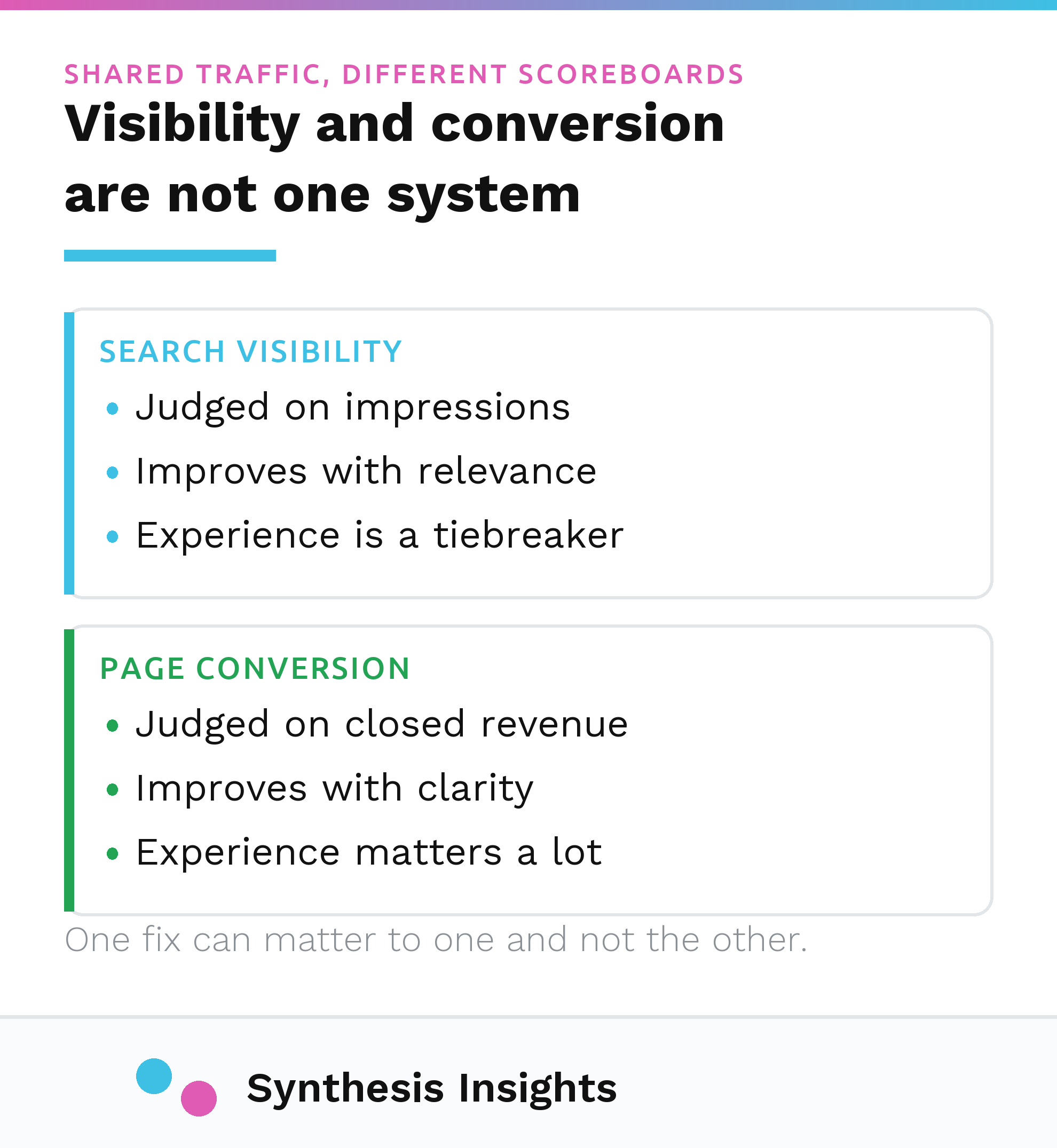
User experience and SEO get talked about as if they're the same job wearing two different name tags. They aren't. SEO is about whether Google decides your page deserves to show up for a given search. User experience is about what happens after someone lands on it. The overlap between the two is real, but it's smaller and more specific than most advice on this topic suggests, and Google has published exactly how small in its own documentation.
I'm not attaching a client story to this one. Every usable example I have is already spoken for in another post, and the rest are tied up in a commercial situation I can't discuss yet. What follows is process and documentation only: what Google currently says it measures, what changed since most of the advice on this topic was written, and what I'd actually spend a client's time on if page experience came up in an audit.
The short version, worth stating before the detail: Core Web Vitals are real and they are a ranking input, but Google's own documentation describes them as a difference-maker between pages that are already comparably relevant. It does not describe them as a lever that outweighs having the right content. A page that answers the wrong question does not get rescued by a fast load time.
What Google actually says about page experience
Google's own page experience documentation is more restrained about this than most agencies are. Two lines matter more than the rest of the page:
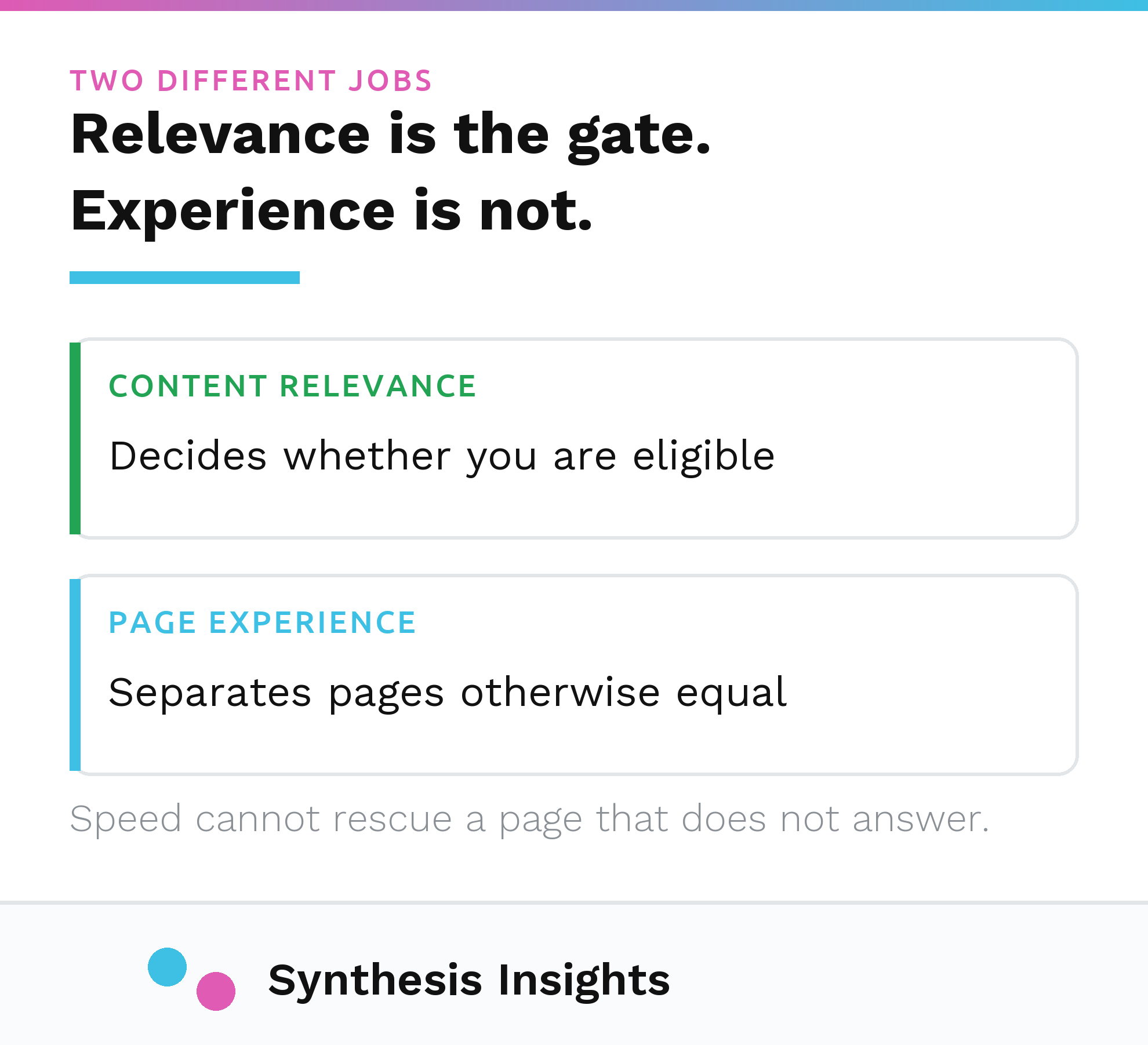
"Google Search always seeks to show the most relevant content, even if the page experience is sub-par. But for many queries, there is lots of helpful content available. Having a great page experience can contribute to success in Search, in such cases."
"Beyond Core Web Vitals, other page experience aspects don't directly help your website rank higher in search results."
Read both sentences together and the shape of it is clear. Relevance decides whether your page is in the conversation at all. Page experience, and specifically the Core Web Vitals inside it, only starts to matter once you're already competing against pages that are roughly as relevant as yours. You can read the full page here: Google's page experience documentation.
That is a narrower claim than "fix your Core Web Vitals and you'll rank better," which is the version most blog posts, including the one this post replaces, actually make.
The three Core Web Vitals, as they exist right now
This is the part that goes stale fastest, and it's the part I'd check first in anything written more than a couple of years ago. As of today, there are three Core Web Vitals, documented by the team that maintains them:
- Largest Contentful Paint (LCP), which measures loading. Good is 2.5 seconds or less from when the page starts loading.
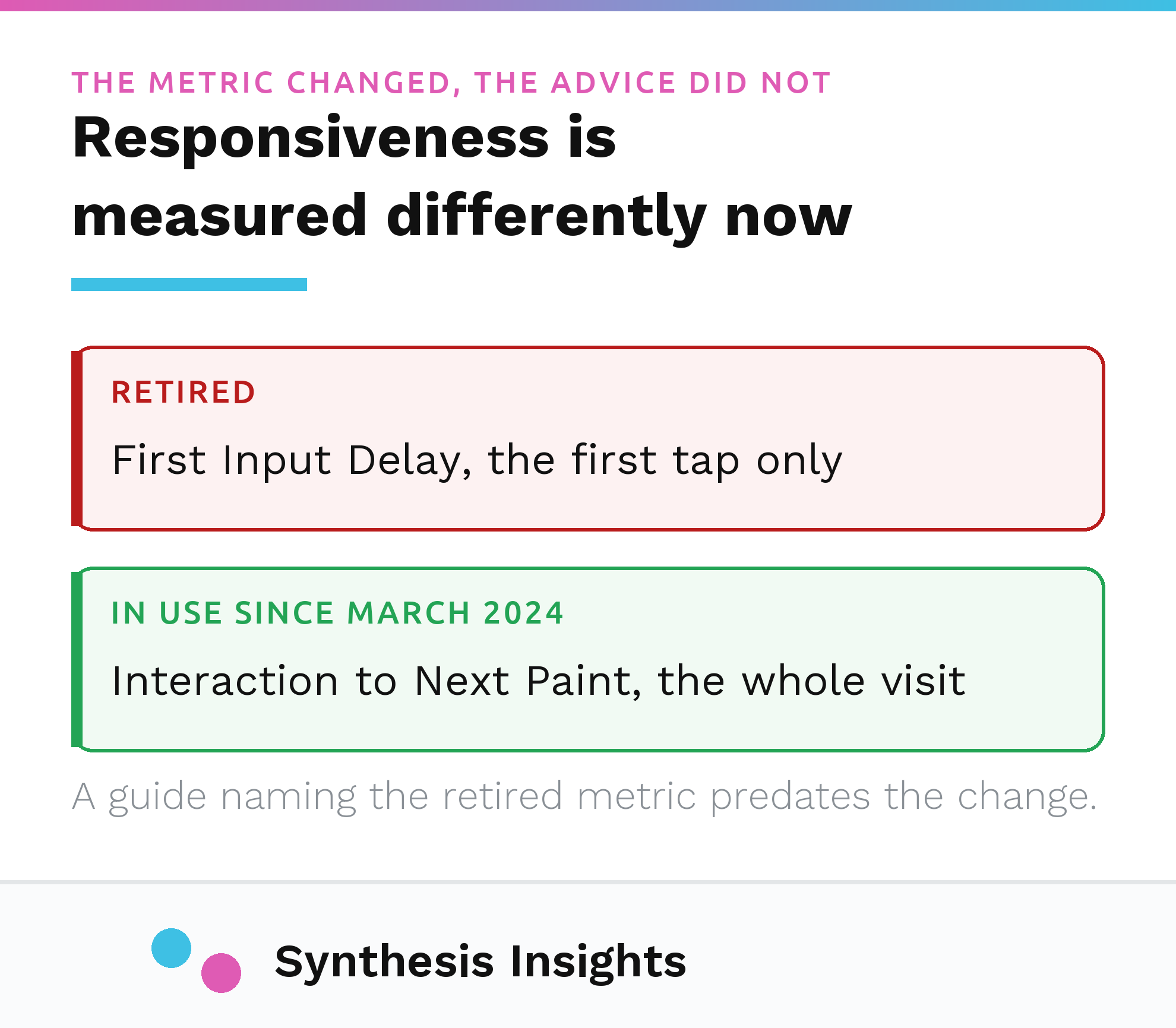
- Interaction to Next Paint (INP), which measures responsiveness. Good is 200 milliseconds or less.
- Cumulative Layout Shift (CLS), which measures visual stability. Good is a score of 0.1 or less.
The one worth flagging by name: INP is not the metric that used to sit in that responsiveness slot. First Input Delay, FID, held that spot for years, and it's what most older SEO content, checklists, and even some audit tools still reference. It's gone. Google's own team confirmed the change directly: "FID will no longer be a Core Web Vital, and will be officially deprecated and removed from the program," effective March 12, 2024, when INP took over. Source: web.dev's INP transition announcement. The reasoning behind the swap is documented too: FID only measured the delay before a page responded to the very first click or tap, while INP measures responsiveness across every interaction on the page, which is a more honest picture of what a visitor actually experiences. Details: web.dev's INP reference. If anything you're reading, including a tool's default report, still centers FID, treat it as retired and go find the INP number instead.
How much of this is actually worth chasing
Here's my read, and I'll label it as a read rather than something Google states outright: on most of the B2B searches I look at, Core Web Vitals are unlikely to be the deciding factor, because the pages competing for a given query are rarely tied on content quality in the first place. The tiebreaker only fires when there's a tie. On a lot of niche B2B terms, there isn't one, because most of the competing pages are thin, off-topic, or years out of date, and the gap in relevance is doing all the work before page experience gets a vote.
That doesn't mean ignore it. It means sequence it correctly. If your Core Web Vitals report is full of red "Poor" ratings, that's worth fixing, because a page failing the standard outright can plausibly cost you the tiebreaker on the searches where you're actually in contention. Chasing a "Good" score up to a slightly better "Good" score, on a page that's already passing, is not where the next unit of ranking is going to come from. That effort is better spent on the content itself, or on the parts of user experience that have nothing to do with how Google scores your page and everything to do with what your visitor does once they're on it.
Where the real overlap between UX and SEO sits
The honest overlap isn't ranking. It's that the traffic SEO earns you still has to convert once it arrives, and that's a user experience problem Google isn't measuring at all. A visitor who lands on a page, can't tell what you do, and leaves isn't a ranking event as far as anyone outside Google can verify. It's a lost lead. That's a different failure than a Core Web Vitals score, and it needs a different fix: message match, a clear next step, proof that isn't generic. I've written about what that looks like on a landing page specifically, including the parts most checklists skip: landing page best practices, judged by what shows up in the CRM.
The other place UX and SEO genuinely share ground is structure: navigation and internal linking that let both a visitor and a crawler understand what a page is and how it relates to the rest of the site. That's mechanical, not aesthetic, and it's one of a handful of SEO habits that outlived its original justification for the wrong reasons while other advice from the same era quietly stopped being true. I catalogued a few of those in four examples of bad SEO advice still repeated in 2026, and Core Web Vitals advice ages out the same way: what was accurate when a post was written stops being accurate a year or two later, and the post doesn't know it.
A practical checklist that doesn't turn into a full-time job
If you want to check where you actually stand without adopting Core Web Vitals as a hobby:
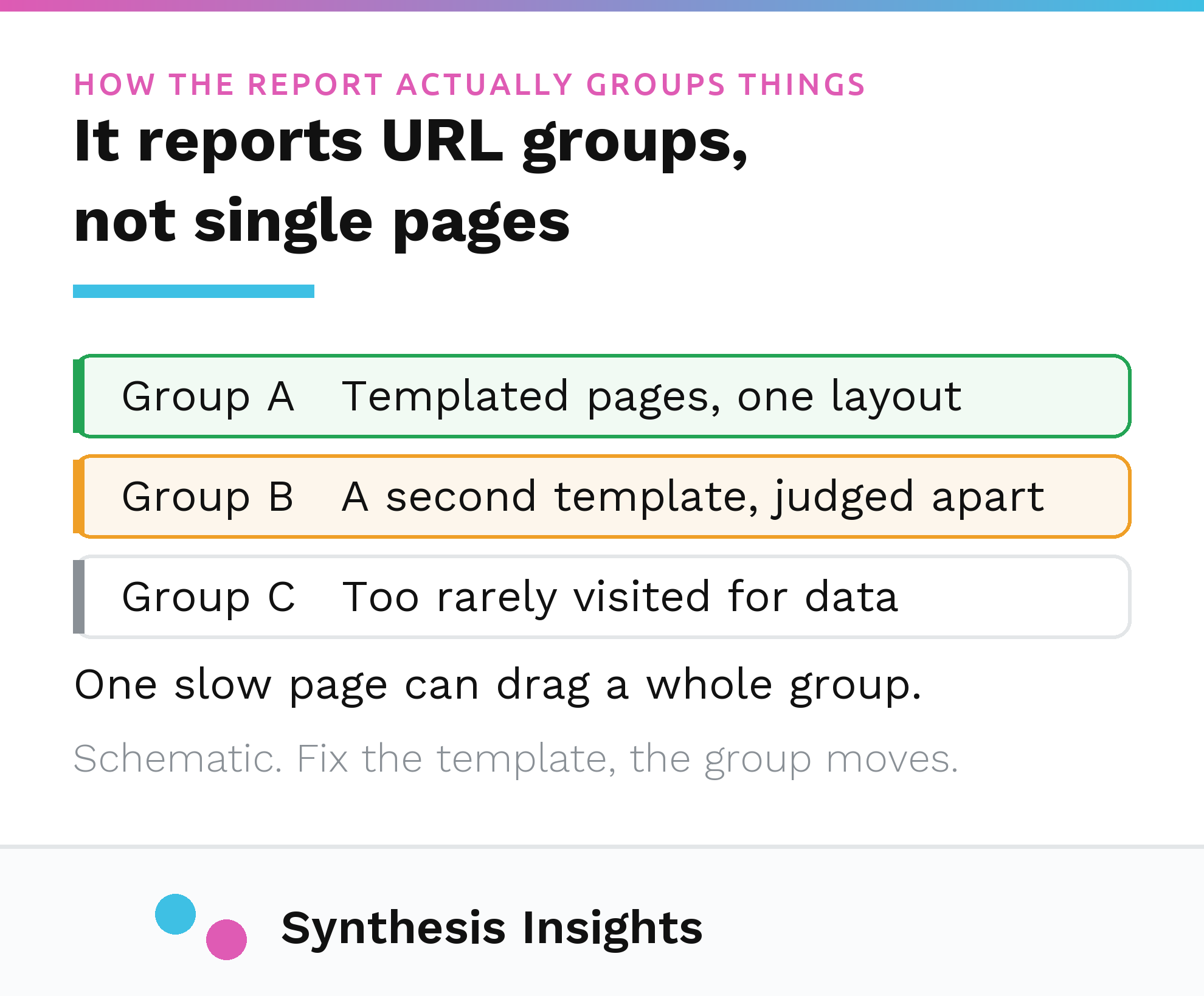
- Open the Core Web Vitals report in Google Search Console. It groups your pages by URL pattern or template rather than by individual page, which is the right level to look at first.
- Anything grouped under "Poor" is worth investigating. Anything under "Needs improvement" is worth a look if you have time. Anything already "Good" is not the next place to spend a budget.
- Run PageSpeed Insights against one representative URL per template rather than every URL on the site. Templates share code, so they tend to share scores.
- Treat a failing score as a development ticket, not an SEO ticket. The fix is almost always technical (image sizing, third-party scripts, layout stability), and it's the same fix regardless of whether you frame it as an SEO project or a site-speed project.
None of that requires ongoing monitoring once you're passing. Check it after a redesign or a major template change, on that schedule rather than a monthly one.
Where this leaves you
I'll say plainly what the search data behind this exact post looks like: over the past year, the queries closest to "user experience and SEO" pulled a combined 19 impressions on this page, and every one of them sat at position 87 or worse. That's not a ranking problem I can fix with better Core Web Vitals advice. It's too little demand, at too poor a position, to plan a content strategy against. I'm publishing this because the mechanics are worth having written down correctly. I don't have evidence that real search volume is waiting on the other side of it.
That thin-data caveat applies to this one page and this one set of queries. It doesn't apply to page experience work generally. Across a site with real traffic, a page failing Core Web Vitals on a template used by fifty pages compounds across all fifty, and that's a different calculation than whether this specific post is worth a rewrite. The checklist above is written for that broader case. It isn't aimed at chasing the 19 impressions this URL happens to get.
If you want a second opinion on whether your page experience work is pointed at the right target, or whether the bigger problem is somewhere else entirely, that's the kind of question I'd rather answer on a call than guess at in a blog comment. Here's how I work with clients, and here's how to reach me directly.
Core Web Vitals will keep changing. The metric that mattered five years ago is already retired. The one that matters now will probably get refined again. What won't change is the order of operations: be relevant first, be fast and stable second, and don't let the second one convince you it can do the first one's job.